
Native integrations need more than code
Writing integration logic is only one part of the job — you also need infrastructure for auth, deployment, logging, monitoring, scale, and ongoing maintenance.
Pandium removes the need to build that operational layer from scratch. Your team can focus on the integration logic and customer experience, while the platform handles the repetitive infrastructure work that makes native integrations dependable in production.
Launch faster because the hard part is already handled
Teams move faster with Pandium because the’re not rebuilding the same backend plumbing for every integration, and they are not signing up to operate that plumbing forever after launch.
You can launch integration MVPs faster, support more use cases over time, and use less engineering resources.
Scale to any number of integrations
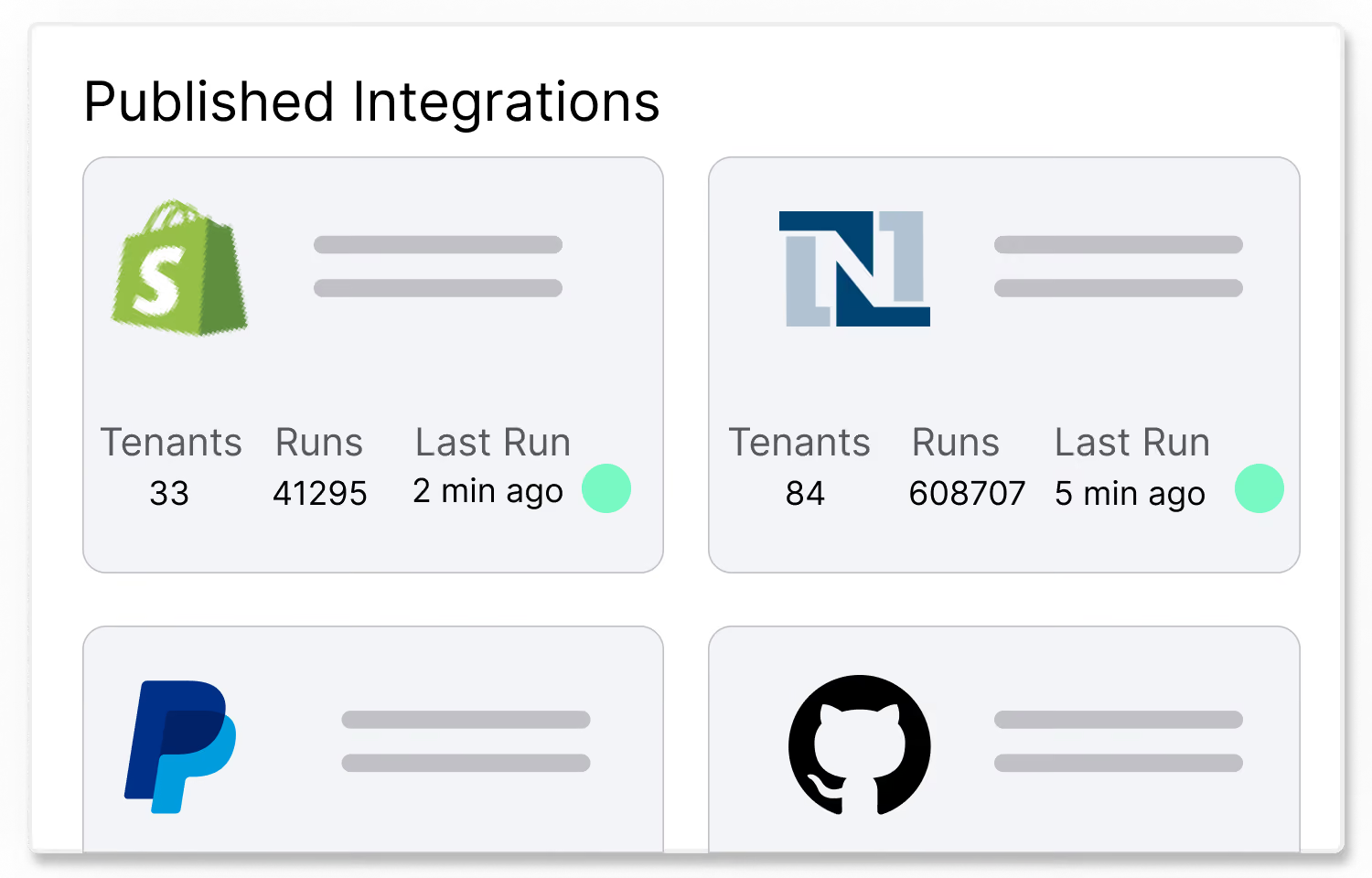
Most integration platforms aren’t built to handle the scale and complexity of customer-facing integrations. With Pandium you can build on infrastructure designed to handle uncapped volume, complexity, and edge cases, so the platform does not become the bottleneck as adoption grows.

The infrastructure layer behind everyintegration you launch

Auth Management
Our connectors handle the authentication and security - through public or private APIs, SFTP, or direct database connections.
Monitoring & Observability
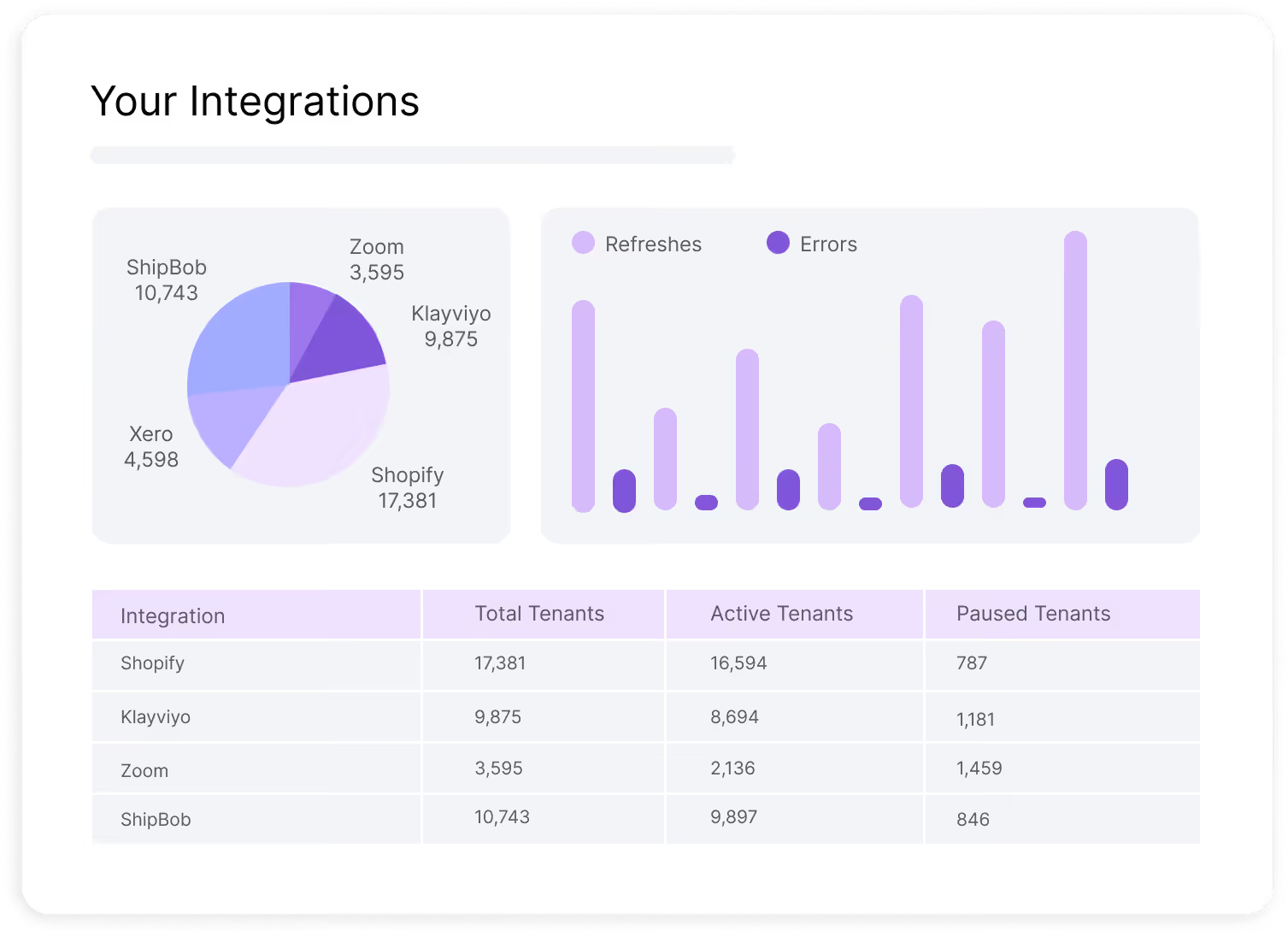
View activity by customer, integration, or partner. See install metrics. View search activity and page visits. Review sync history, including failed syncs.
Run-Time Environment
We host your integrations for you, looking after the run-time environment and auto-scaling. Free your devops teams to focus on your product.
Versioning & Release Mgmt
Release management options and versioning make it easy to update your integrations and track changes. Define integration configurations and set customer-specific deployment.
Run Triggers & Scheduling
Handle cron schedules, manual runs, webhooks, and API‑triggered syncs in a unified way. Pandium’s built-in webhook handler manages all the webhook complexity.
Configuration and Setup UI
Define what end users see and fill out (fields, options, etc.) for each integration. Host embeddable setup experiences that you drop into your app instead of building custom UIs per integration.
Jumpstart integrations with our Integration Development Kit
Pre-built API Clients
Access a library of API clients for seamless interaction with APIs, including automatic handling of authentication, paging, rate limiting, logging, and CRUD operations.
Pandium CLI
Access Pandium directly from your machine for local troubleshooting, secret access and local runs with a simple binary.
Integration Code Generator
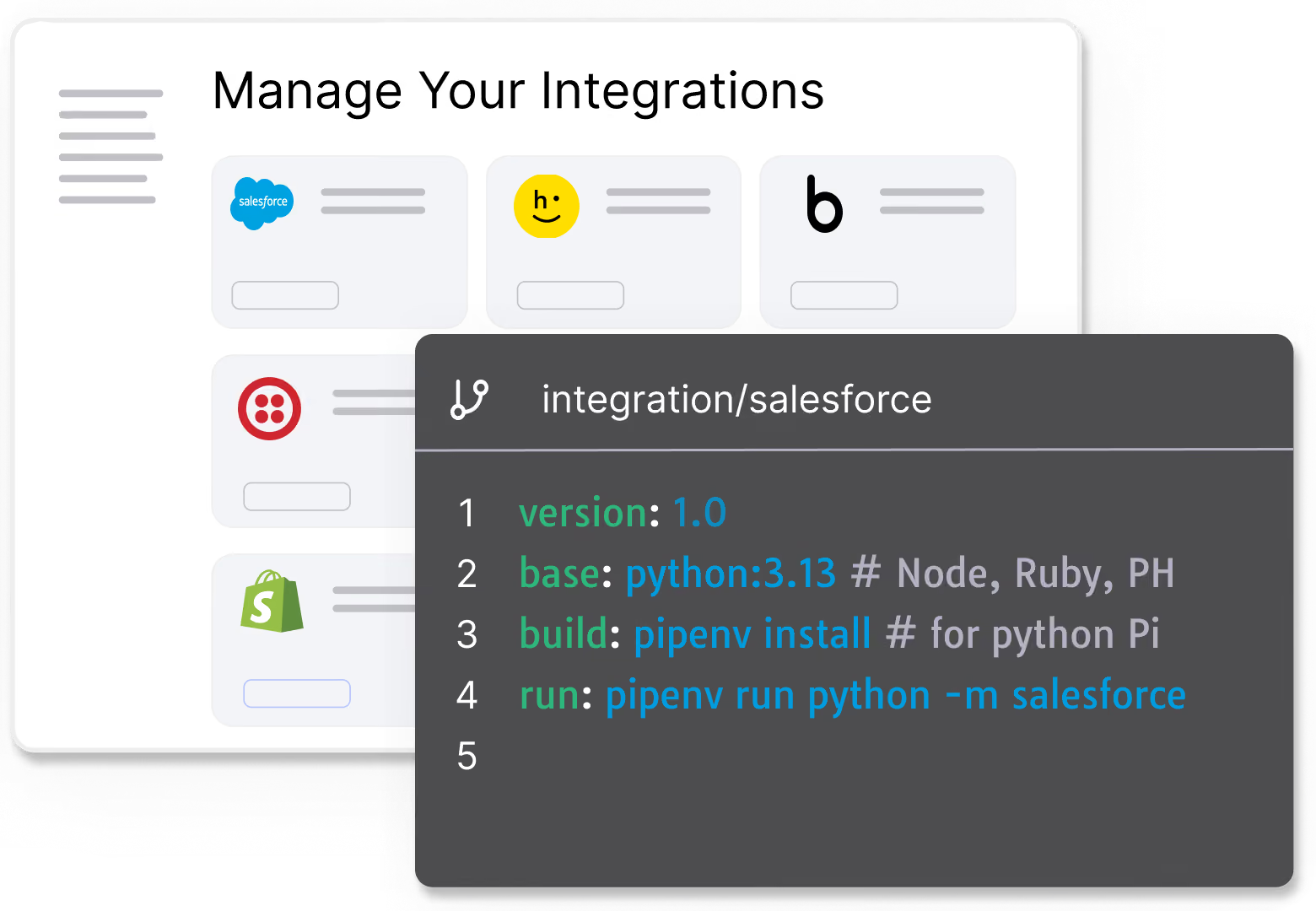
LLM-powered engine that generates a working integration in one click. It creates code, checks that it works, pushes to your repo and starts source control.
See How Pandium Accelerates Integration Development.
FAQs
Product integrations are the same. The Pandium platform instantly gives you the infrastructure you need to be successful with product integrations — no unpredictable expenses, long development cycles, or distracting senior developers with integration requests.
They have rigid connectors that, in the end, almost always require developer involvement to work properly. But with the added complexity of coding around a visual builder and getting up to speed on a new system.
At Pandium, we’re proud of our code-first philosophy. Code isn't the enemy. It’s a powerful tool that enables you to build flexible, scalable, and affordable product integrations in record time.
We take every customer through an onboarding process to ensure they’re comfortable. But if you ever need extra help, we’re here for you! Check out our docs for more guidance, or contact your dedicated account manager.
.avif)