
Skip the setup, start building faster
Start every integration with generated, ready-to-run project structure in your own repository, so teams spend less time setting up and more time implementing logic.
Get the flexibility of custom integrations, written in any language, with less operational drag on engineering and a stronger foundation for scaling the integrations over time.
.webp)
Work with third‑party APIs more efficiently
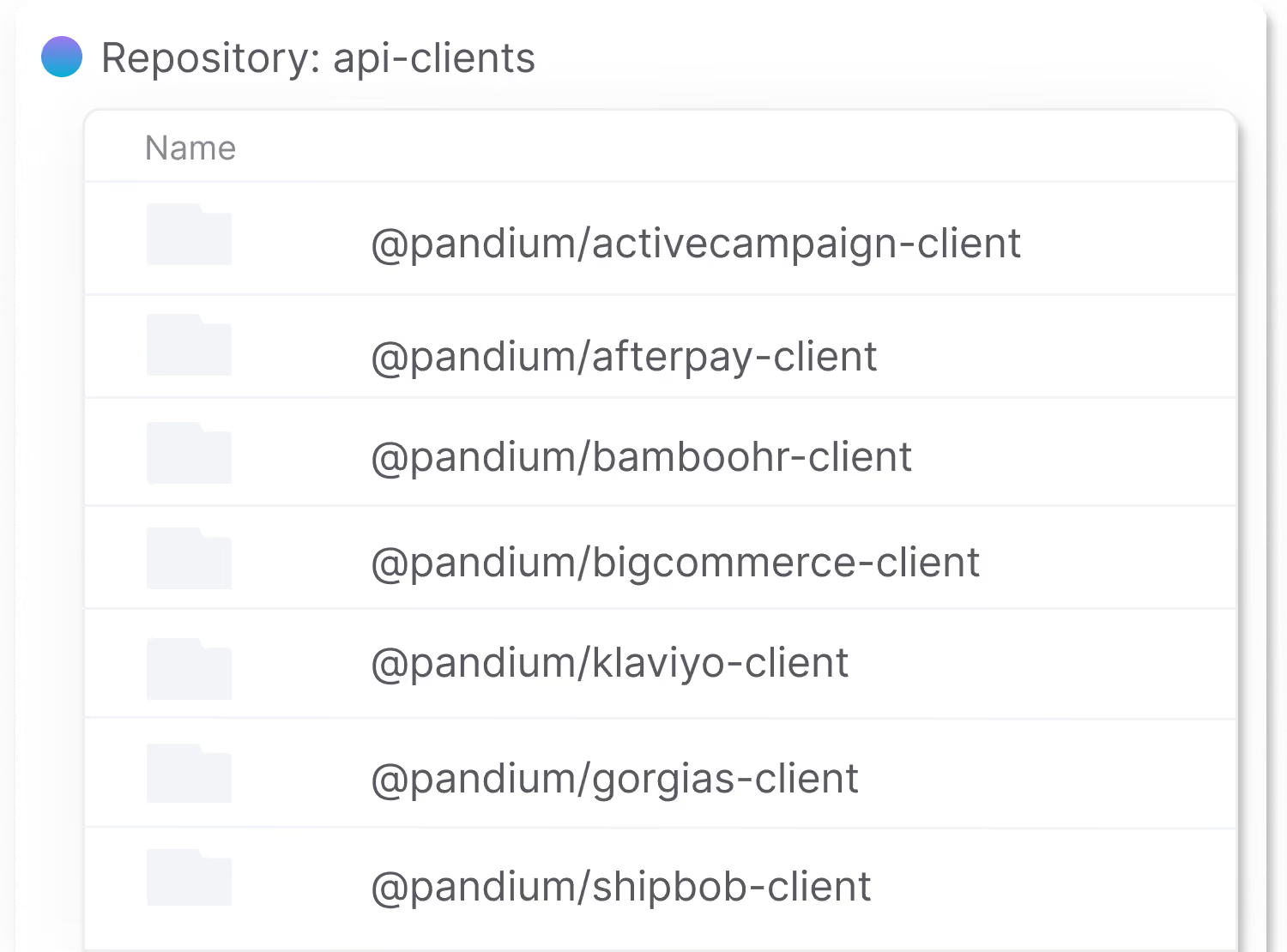
Use Pandium’s API clients to work with third-party APIs more efficiently, with support for pagination, rate limiting, secret management, and authentication patterns.
Get context-aware code completion while you’re writing the business logic for an integration, so developers move faster with fewer mistakes and spend less time looking up API details or object structures.
Build, test and deploy integrations from your command line
Test integrations locally with live API data, debug in real time, and iterate faster—all without leaving your coding environment.
With Pandium’s CLI, you can seamlessly manage authentication and leverage Pandium’s integration infrastructure while keeping full control over your development workflow.

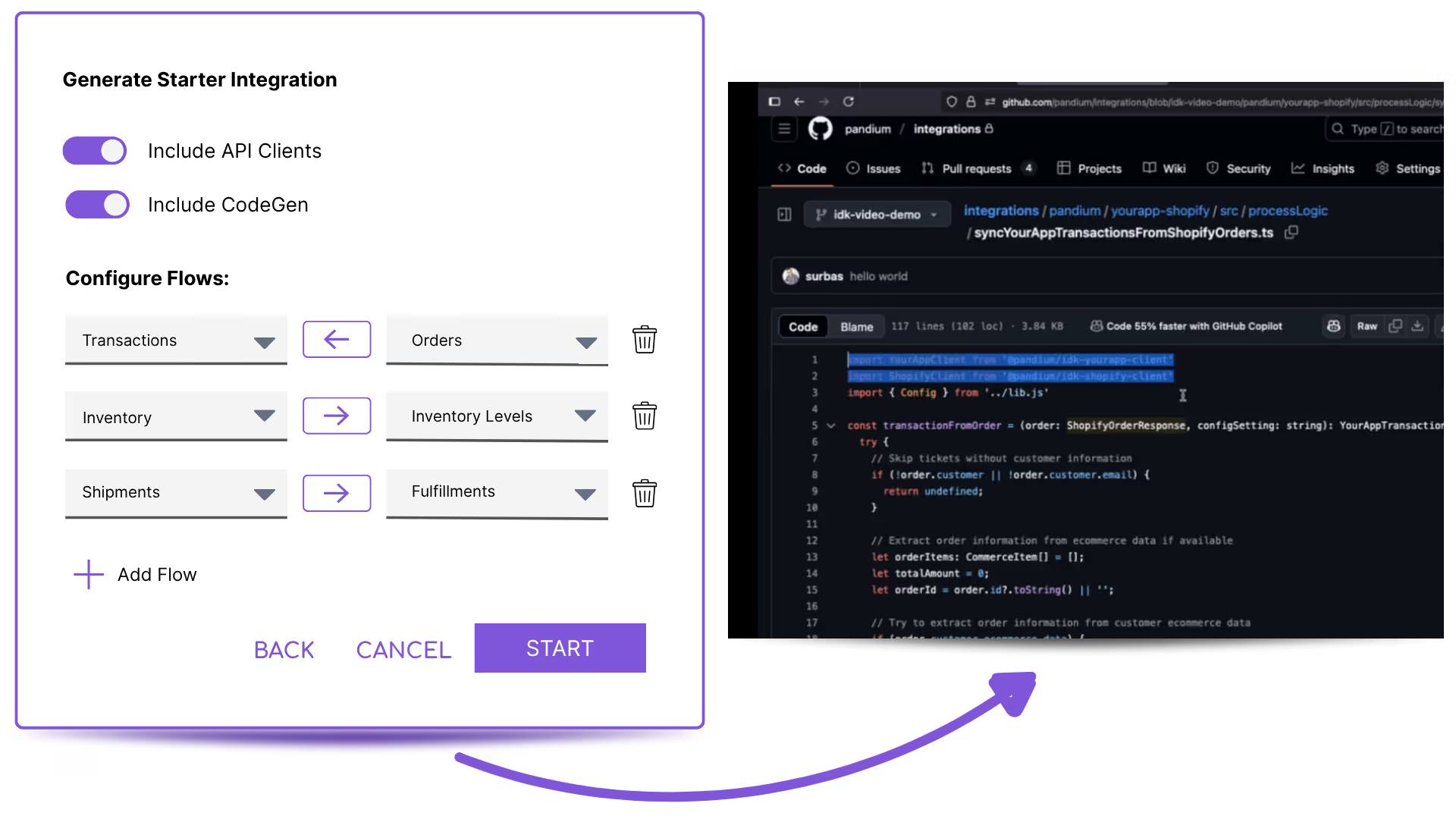
Let AI handle the first draft of your integration
Use Pandium’s Integration Code Generator to get a working integration in minutes, so your team can skip the blank page and focus on refining the business logic in code, with full control.
Because it’s built on Pandium’s integration patterns and API clients, the generator produces integrations that already follow best practices for auth, pagination, rate limits, and secrets—so they work well in real-world scenarios from day one.
The developer toolkit behind every integration you launch

API Clients
Includes best practices around pagination, rate limiting, retries and more for each API.
Project Scaffolding
Instantly set up your software project in the language of your choice directly in your connected repository.
Pandium CLI
Use a simple binary to access Pandium directly from your machine for local troubleshooting, secret access, and local runs.
200+ Connectors
Our connectors handle the authentication and security while giving you full access to all available functionality. Connect to public or private APIs, SFTP or direct databases.
Rate Limiting & Pagination
Best practices around rate limiting and pagination are applied to your integrations to ensure they run efficiently and can handle any volume or spikes in traffic.
Code in Any Language
Code in any language, including Python, JavaScript, Java, Ruby, and Go. Compatible with all major repositories, including Github, Gitlab, Azure DevOps, and Bitbucket.
The IDK and Integration Hub work together
Build with the IDK
Scaffold projects, use API clients, write business logic, and test locally with the CLI.
Run on the Integration Hub
Manage releases, deploy versions, configure syncs, add tenants, and monitor sync history. See reports on all integration usage and trobleshoot issues.
Reuse and Scale
Reuse connectors, versions, and configurations across future integrations so each new launch gets easier.
See How Pandium Accelerates Integration Development.
FAQs
The Pandium Platform handles everything else, like authentication, logging, hosting, alerting, versioning, runtime environment, and sync triggers. If you’re short on developer headcount, our Integration Team can do this work for you.
Once configuration and sync options are pushed to Pandium’s UI, Pandium Admins (technical or non-technical) can select what flows or integration versions to deploy to users, add tenants, view sync history, change configurations, and run manual syncs.
Connectors, versions, and configurations in Pandium can be reused to launch future integrations faster. Basically, build once and reuse. Updates can be easily made via your coding environment and pushed directly to Pandium.
Pandium lets your devs quickly program all the business logic and custom configurations you need to create integrations that perfectly fit you and your users. Then, you can reuse those frameworks to launch future integrations faster.
If your product or API needs change, no problem. We give you the flexibility to update or change integration configurations anytime.
With other tools, you have to wait for a third party to make updates for you or program complex workarounds yourself. This slows you down and means your developers end up getting involved anyway.
If you want to build with Pandium but don’t have in-house developers to help, consider partnering with our Integration Team.
.avif)