
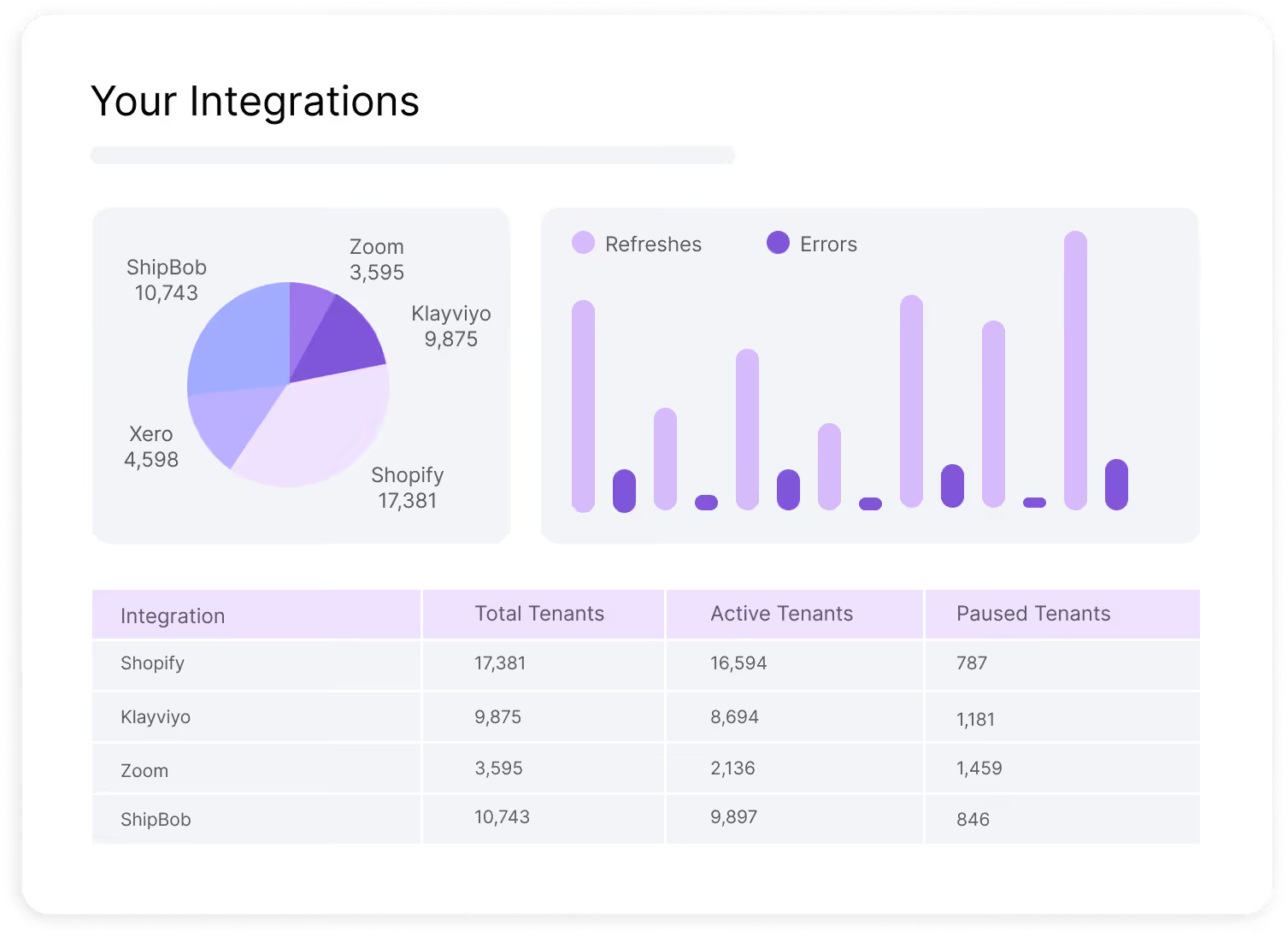
Understand which integrations are delivering value
Once your integrations are live, the next step is understanding how they perform and where they create the most value.
Integration Insights gives you one place to monitor usage, adoption, engagement, and activity across your integration ecosystem so you can see what is working, where users are getting stuck, and which integrations deserve more investment.
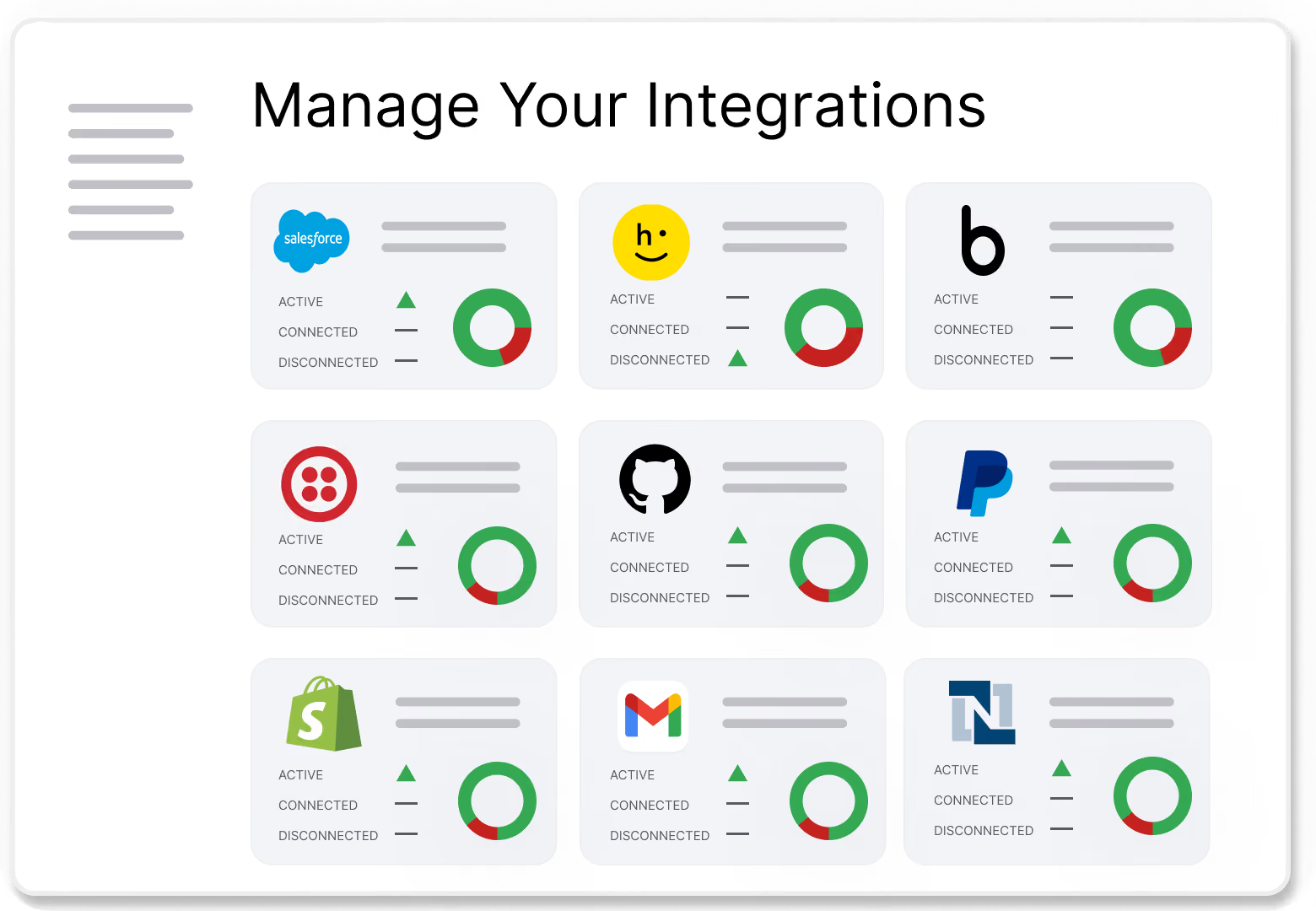
Make roadmap decisions based on real usage data
Integration Insights shows installs, active customers, and usage trends for every integration - so you can see which ones drive adoption and engagement.
Get a single view of performance across integrations, customers and partners - making trade-offs easier to justify.
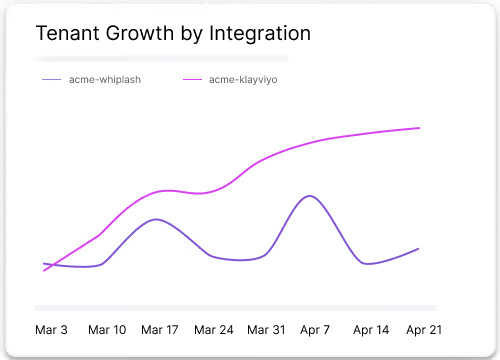
Prove partner program ROI with shared performance metrics
Provide partner specific views so that you can easily compare how each integration is performing - comparing installs and activity over time.
Share integration views with partners so that you can align on co-marketing, roadmap commitments and joint targets based on the same source of truth.
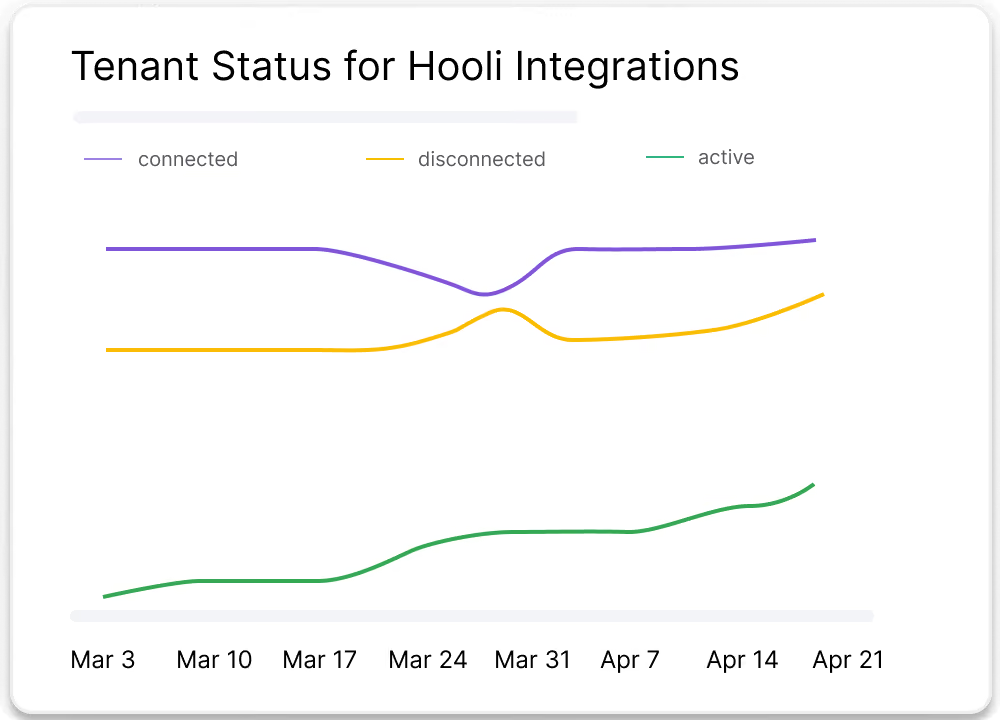
Troubleshoot faster with end-to- end integration visibility
Reduce time spent hunting for issues by seeing activity and sync history for each integration in one place. Integration Insights lets you filter by integration, customer or event type so that you can see specific incidents, including failed syncs.
Get a shared view of operational health, improving collaboration on fixes and reducing time-to-resolution for customer issues.
.avif)
Intelligence for every integration you launch

Integration Performance
Track installs, active customers, usage trends, and key integration events so you can understand adoption at a glance.
Marketplace and Page Metrics
See page visits, search activity, unique visitors, and engagement across your integration marketplace or external integration pages.
Activity and Sync Visibility
Review customer activity, integration activity, and sync history, including failed syncs, to identify issues and patterns faster.
Partner Views
Give technology partners access to performance information for their integrations so they can see adoption and engage in more productive planning conversations.
Drill-Down Context
Filter by integration, page, user, customer, or partner to move from high-level patterns to specific actions without exporting data into another tool first.
Business Impact Visibility
See how integration usage supports revenue, customer value, and partner ROI so your team can make a stronger case for continued investment.